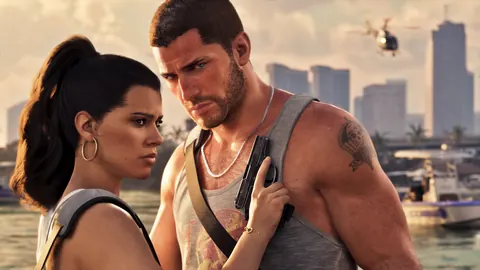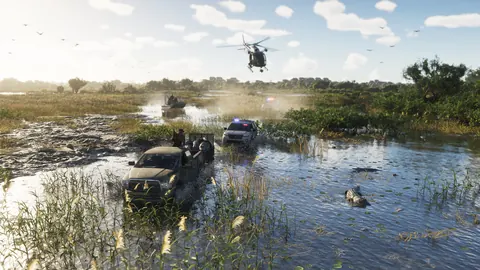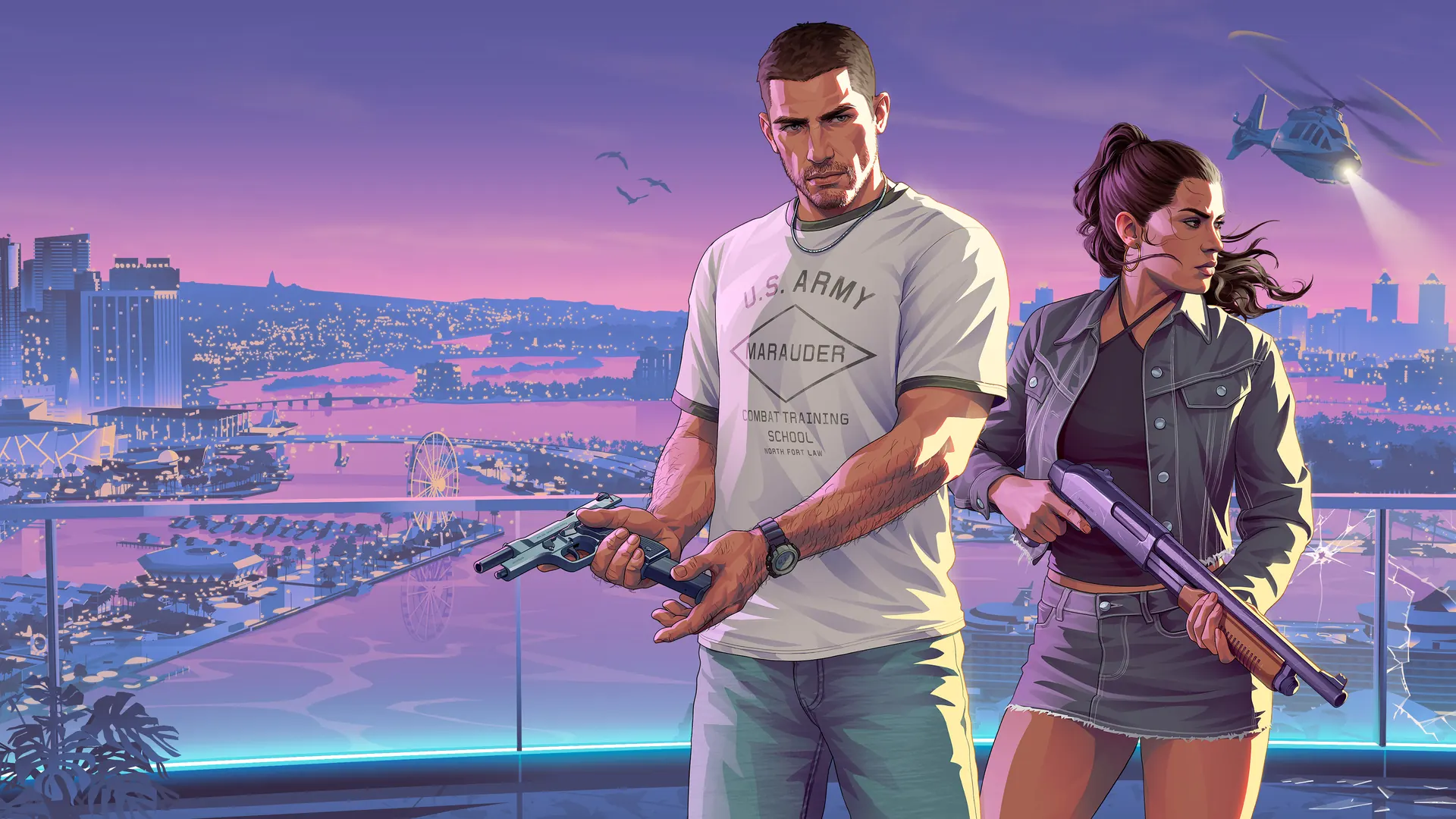
Quick answer: to auto-drive in GTA 6, set a waypoint on the map, get in a vehicle, hold D-pad Down and press Options (Menu) to switch to the cinematic camera, give the car a little gas with R2 (RT) until the prompt appears, then hold Circle (B). Jason or Lucia then drives to the waypoint on their own, obeying traffic lights. If it does not work, go to Settings > Gameplay > Auto Drive and set it to Unrestricted (Beebom).
Step by step
| Step | PS5 | Xbox | |
|---|---|---|---|
| 1. Set a waypoint | Map (touchpad) > place marker | Map (View) > place marker | |
| 2. Get in a vehicle | Triangle | Y | |
| 3. Cinematic camera | Hold D-pad Down + Options | Hold D-pad Down + Menu | |
| 4. Wait for the prompt | Tap R2 | Tap RT | |
| 5. Start Auto Drive | Hold Circle | Hold B | |
| Speed up / slow down | R2 / L2 | RT / LT | |
| Leave cinematic mode | Hold D-pad Down | Hold D-pad Down |
Source: Beebom (19 Nov). Other guides describe the same idea: the cinematic camera plus a waypoint (PlayNews, GameTyrant).
The Auto Drive setting
Settings > Gameplay > Auto Drive controls how freely auto-drive works. GameTyrant says auto-drive is available by default, but its full function is only enabled once you change this option; Beebom recommends Unrestricted. Our hidden features page notes the same setting decides whether it keeps working in dangerous situations.
How the AI drives
- It follows the GPS route, stops at red lights and avoids reckless driving (Beebom).
- It tends to choose a slower, scenic route, which makes it good for screenshots and sightseeing (best views).
- You can still speed it up with R2 (RT).
Let your partner drive instead
From Chapter 2, when Jason and Lucia travel together, you can sit in the passenger seat and let the other drive. Hold D-pad Right and press R1 (RB) to switch character so the AI takes the wheel, and hold D-pad Right + Square (X) to ask them to drive faster (Beebom). Players also ask the partner to drive a second stolen car and follow them (hidden features).
Cinematic camera without auto drive
The cinematic camera (hold D-pad Down + Options/Menu) also works while you keep driving: auto-drive only starts once you hold Circle (B). That makes it handy for clips and screenshots. Hold D-pad Down again to return to the normal camera (Beebom).
Other ways to travel without driving
- Paradise Taxi / RydeMe: pay $100 to skip the whole ride (fast travel).
- Boats: double-tap Triangle (Y) at the helm to leave the boat running straight while you walk around the deck (player reports).
Auto drive not working?
- No waypoint: it needs a destination set before you enter cinematic mode.
- Setting: switch Settings > Gameplay > Auto Drive to Unrestricted.
- Danger: the same setting decides whether auto-drive keeps working in dangerous situations, so a chase can block it on the default setting.
Frequently asked questions
How do you auto drive in GTA 6?
Set a waypoint, hold D-pad Down and press Options/Menu for the cinematic camera, tap R2/RT, then hold Circle/B.
Why is auto drive not working?
You need a waypoint first, and the Auto Drive option in Settings > Gameplay should be set to Unrestricted.
Can your partner drive for you?
Yes. When Jason and Lucia travel together, switch characters (hold D-pad Right + R1/RB) and the AI partner drives.
Can you control the speed in auto drive?
Yes, R2/RT speeds up and L2/LT slows down while auto-drive is active.
Sources
- How to Auto-Drive in GTA 6 (Beebom, Ishan Adhikary) 2026-11-19
- How to Enable Unrestricted Auto Driving in GTA 6 (GameTyrant) 2026-11-20
- GTA 6 auto-drive: how to activate and use it to explore Leonida (PlayNews) 2026-11-20
- r/GTA6: Made a short list of most hidden features (player thread) 2026-11-20
- r/GTA6: 17 Hidden Interactions & Controls You Might Have Missed (player thread) 2026-11-21
Last updated 2026-11-25. Spotted a mistake? This wiki only lists sourced facts — how we work.